Here’s how to login:
Step 1: Go to https://lms.graderesults.com/login
Step 2: Sign in using your username and password:
User name: xxxxx
Password: ******
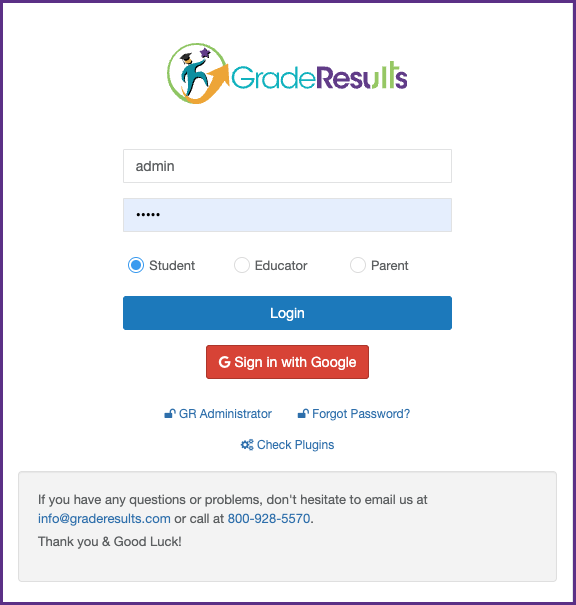
Use your respective user name and password then select your account type (Educator). Remember this is all CASE SENSITIVE.
Step 3: Click on the “Login”icon appearing on the homepage.
When you are in, you will see your own personal home page.
Was this article helpful?
That’s Great!
Thank you for your feedback
Sorry! We couldn't be helpful
Thank you for your feedback
Feedback sent
We appreciate your effort and will try to fix the article