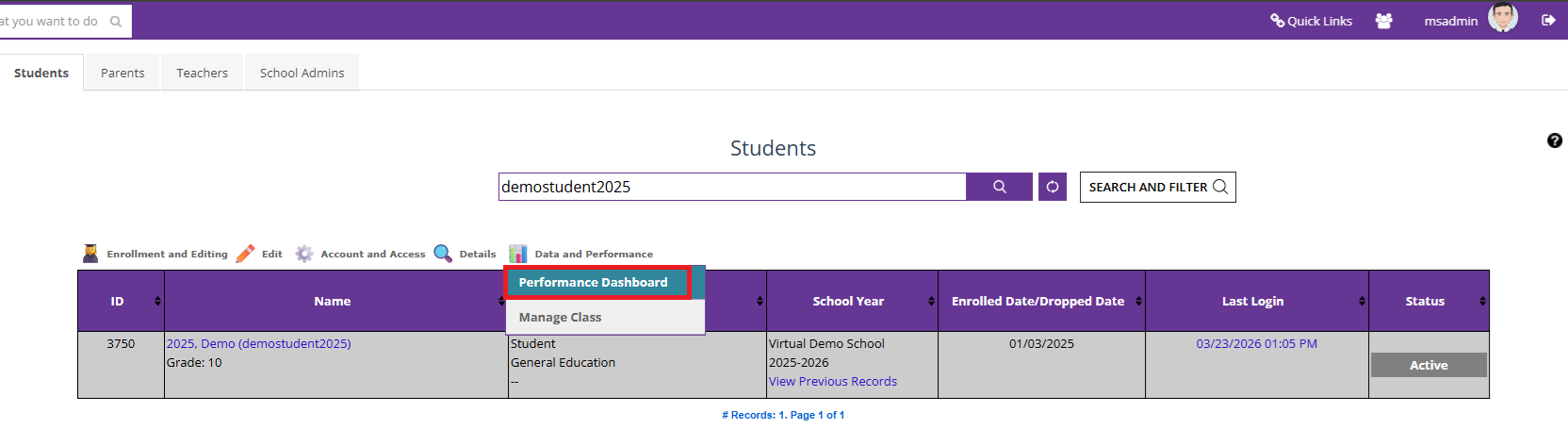
1. Go to Manage Students, search for the correct student, and under "Data and Performance," click on "Performance Dashboard"
2. Click on "Course Progress" on the course for which the lessons have to be unlocked

3. Click on the button against the lesson that needs to be unlocked.

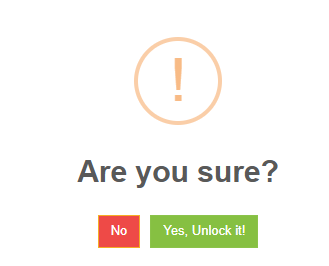
4. Click on the "Yes, Unlock it!" to confirm
Was this article helpful?
That’s Great!
Thank you for your feedback
Sorry! We couldn't be helpful
Thank you for your feedback
Feedback sent
We appreciate your effort and will try to fix the article